

Dry eyes, blurry text, and a burning feel after a three-hour raid are signs of severe eye strain. Building simple gaming habits that protect your eyes will save your sight and help you hit more shots when games get intense. You do not need expensive gear to stop your screen from hurting your face.
The fast fix comes down to lighting, screen placement, and forced breaks. Keep your room lit as bright as your monitor, slide your panel a bit lower than your head, and look away every twenty minutes. These tiny changes keep your eyes wet and rested so you can play longer without a headache.
Set Up Your Screen Distance and Angle right
Sitting too close to a monitor forces your eye muscles to work double time just to pull the picture into focus. Place your panel about arm's length away from your chest. That is roughly twenty to thirty inches for most desktop setups. If you play on a hand device, keep it at least twelve inches from your chin.
The top line of your monitor should sit right at your eye level or slightly below it. When you look down at a fifteen-degree angle, your eyelids cover more of your eyeballs. This keeps your tears from drying out so fast while you watch a match unfold. If you play on a phone, try to hold it up rather than bending your neck down into your lap.
Many players push their face right against the glass during tense clutch moments in a video game. Watch your body during your next match. If you lean forward, pull your seat closer instead of moving your head. Your neck and your eyes will thank you by the end of the night.

Match Your Room Light to Your Screen
Playing in a pitch-black room feels fun, but it destroys your eyes faster than anything else. Your pupils open wide in the dark to let light in. When your screen flashes bright white from a flashbang or a light sky, massive beams hit those wide pupils all at once. This constant jump from dark to light tires out your iris muscles within an hour.
Put a soft light behind your monitor or use a warm lamp on your desk. This back light softens the harsh dark border around your screen. You want the light in your room to feel about as bright as the game itself. Never point a desk light right at your display glass because that creates a sharp glare that forces you to squint.
Glare acts like a hidden layer of fog over your view. Clean your display glass once a week with a clean cloth to drop dust spots. If daylight hits your setup from a nearby window, pull the blinds shut. Fixing your room light feels like magic if you like to hunt for free browser games to play with friends online during long weekend nights.
Use the 20-20-20 Rule to Avoid Eye Strain
When you play games, your blink rate drops by more than half. Instead of blinking fifteen times a minute, you might blink only five times while tracking an enemy. This dries out your eye surface and causes that hot, sandy feeling under your lids.
Use the simple 20-20-20 rule to give your eye muscles a break. Every twenty minutes, stop staring at your game and look at something twenty feet away for twenty full seconds. Look out a window or focus on a wall down the hallway. This lets your inner lens relax completely back to its natural shape.
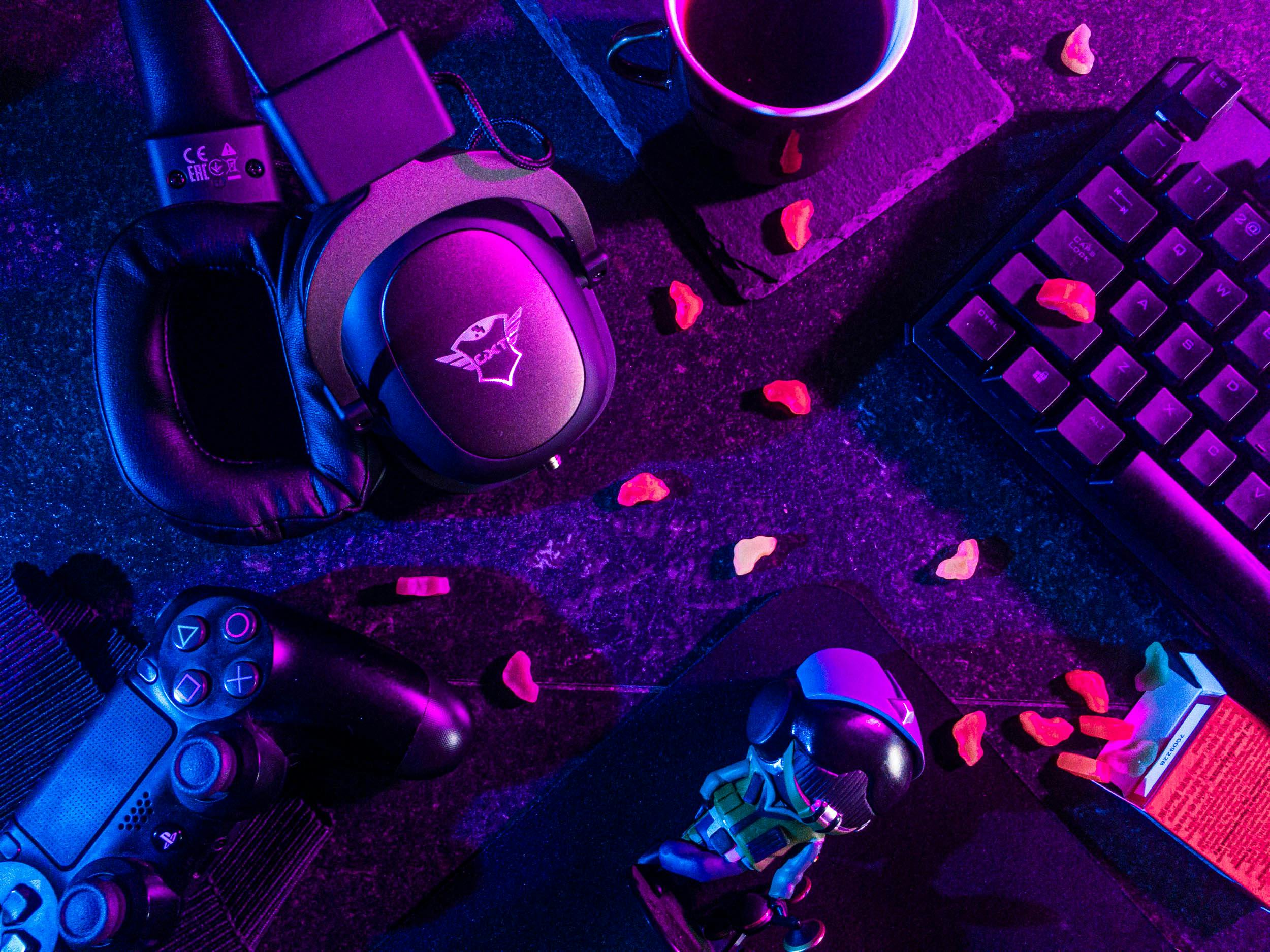
Set a timer on your phone or use a small clock on your desk. When a match ends, do not immediately tab over to read a chat stream or watch a video. Stand up, roll your shoulders, and look far away. Physical rest is just as important as screen rest, especially if you also work hard on an Arm Day for Bigger Biceps and Triceps during your weekly workout routine.
Adjust Game Brightness and Color Settings
Factory monitor settings are made to look bright on a store shelf, not in a real home setup. Most screens ship with brightness cranked to one hundred percent. Drop your display brightness down to thirty or forty percent to instantly shield your eyes from bright light shocks.
Warm color profiles are much easier on your sight than cold blue tones. Turn on the Night Light mode on your PC or use the eye comfort shield built into your phone. These modes filter out harsh blue light that keeps your brain awake past midnight. The screen will look a tiny bit yellow at first, but your brain adjusts to the change in two minutes.
Check the in-game display menu as well. Turn off motion blur and chromatic aberration if your game has those toggles. Motion blur adds fake fuzzy edges to your screen that force your sight to work extra hard to make out clear targets. Clean, sharp frames are always easier to track than smeary visuals.
Blink on Purpose and Use Eye Drops
You have to teach yourself to blink full blinks while playing hard matches. A real full blink touches your top and bottom lids together, spreading a fresh layer of moisture across your whole eye. Half-blinks leave the middle part of your eye exposed to the dry air of your room.
Keep a bottle of simple lubricating eye drops near your mouse pad. Use non-medicated saline drops before you start a long evening match. Avoid drops that promise to take away red eyes, because those compress your tiny blood vessels and can make dry eyes feel worse after the medicine wears off.
If your room is dry, run a small humidifier near your setup. Moist air keeps your tear layer from evaporating off your eye surface every time you hold your blinks during a tense fight on a high-end gaming computer. Adding moisture back into your air makes long runs far more comfortable.
How Can You Protect Your Eyes Without Buying Gear?
You do not need fifty-dollar glasses to shield your eyes from strain. The best fixes cost zero dollars and rely entirely on forming better daily habits. Start by lowering your display brightness right now until it matches your ambient room lights.
Make a firm rule to close your eyes for thirty seconds between round restarts. Drink a full glass of water every hour, because staying hydrated keeps your eyes from turning dry and itchy. Drink enough liquids and your body will make natural tears far more easily.
Lastly, pay attention to the warning signs your body gives you. If your eyelids feel heavy or your forehead starts to ache, step away from your setup for fifteen minutes. Pushing through severe strain just lowers your reaction time and ruins your accuracy anyway. Take a short walk to recharge your vision and hit your shots clean when you get back.
Pick one habit from this list to change today, like dropping your screen brightness or moving your monitor back. Your eyes will feel far better by your very next match.
Post a Comment